MockupForge 3D
Real 3D device renders, entirely in the browser
- Client
- lukeduff.co.uk
- Service
- Own product
- Where
- United Kingdom
The live site. Drag inside it.Drag inside either one. mockup.lukeduff.co.uk


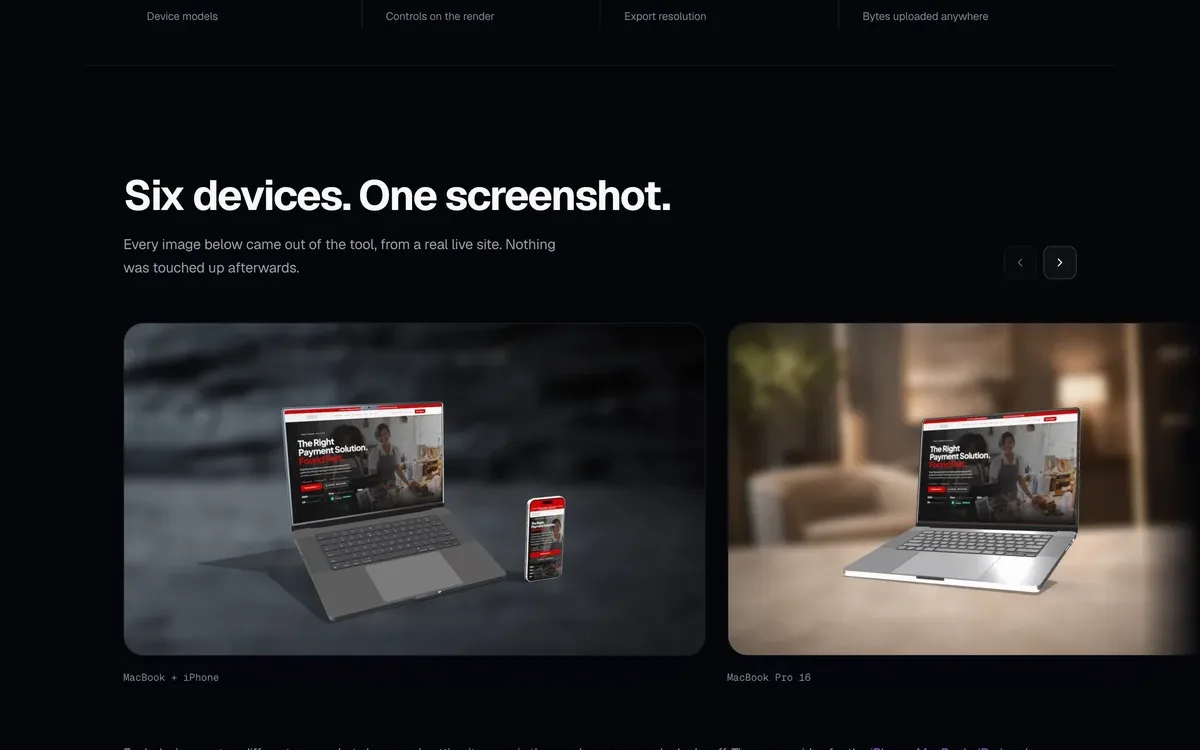
Every designer needs the same thing regularly: a presentable shot of their screen sat on a device. The usual answer is fiddling with a Figma template or paying a monthly subscription. This renders your screenshot onto a genuine three.js device model with studio lighting and exports at up to 4x. Nothing is uploaded, there is no account, and it costs nothing to run.
What I set out to do
- Five render targets: iPhone, MacBook and iPad in full 3D, plus a browser window and a glass card frame.
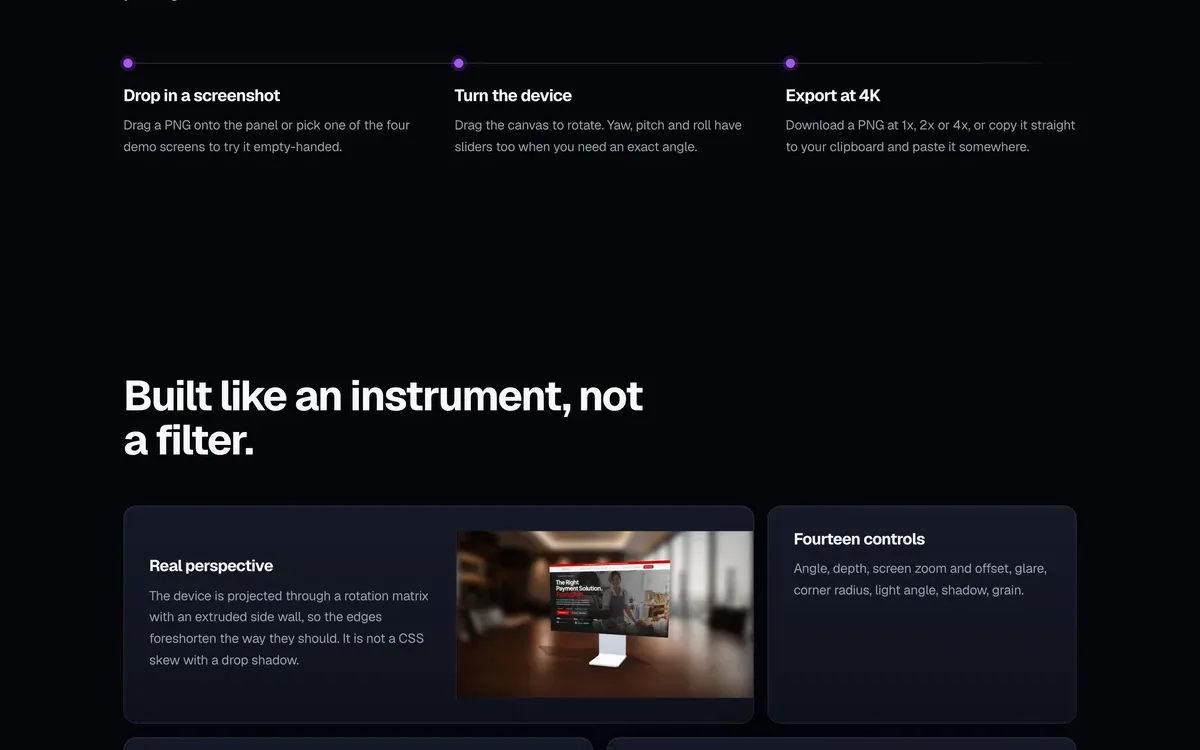
- Fourteen studio sliders covering yaw, pitch, scale, device colour, screen glare, shadow depth, grain, backdrop theme and blur.
- Export at 1x, 2x or 4x, copy straight to the clipboard, or generate a correctly sized social card with one key.
- Presets, undo and redo, and keyboard shortcuts, so a shot you liked last week takes seconds to set up again.
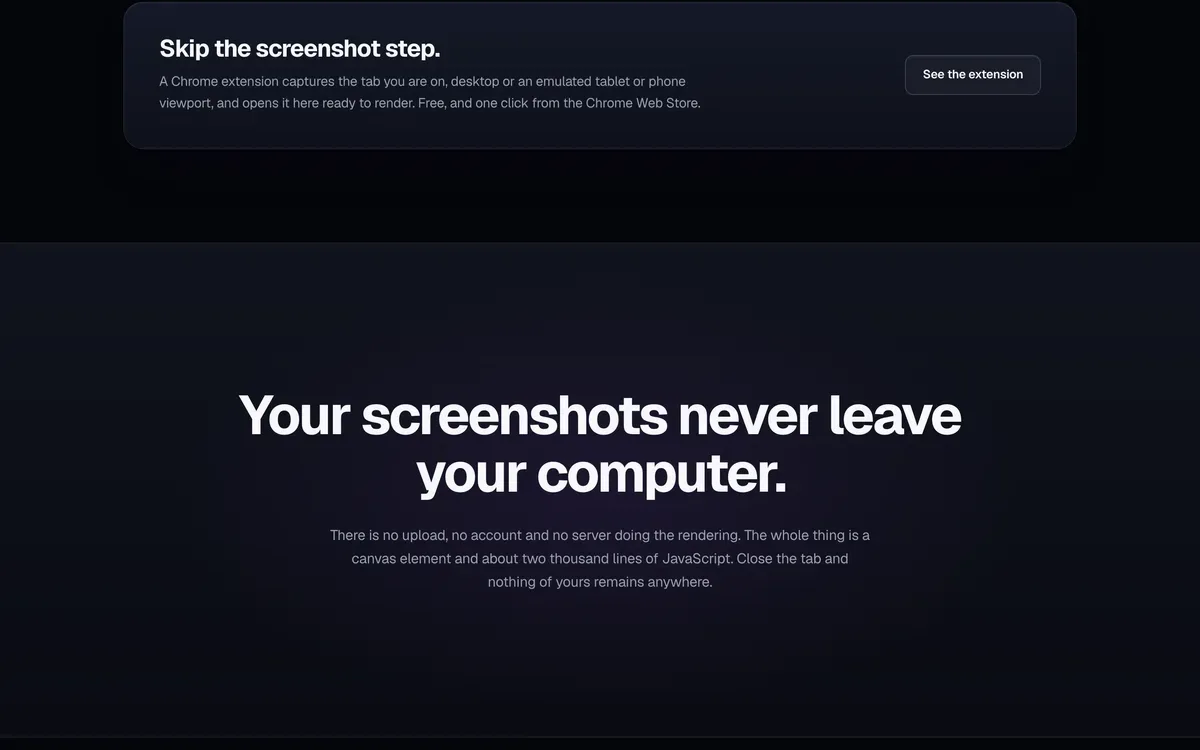
- A companion Chrome extension, MockupForge Capture, grabs the tab you are on and hands it to the studio with the render already staged.
What came out of it
- GLTF assets quantized and compressed from 58MB down to 4.2MB
- Zero axe-core violations across all pages at four viewports, against WCAG 2.1 and 2.2 AA
- 577 responsive checks across 8 pages and 13 viewports, from 320px to 2560px